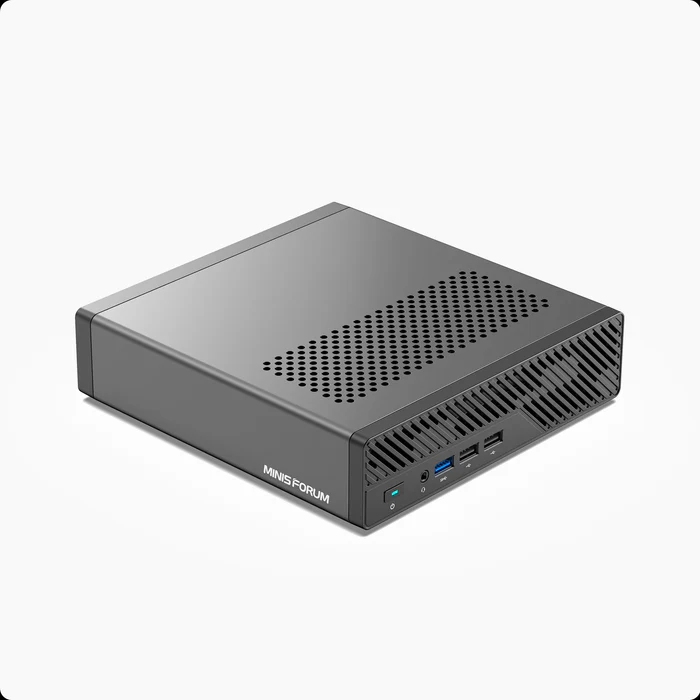


I found that a firmware update was needed on my Minisforum MS-A1. I did the following.
- sudo fwupdmgr refresh
- sudo fwupdmgr update
If you do not have the fwupdmgr command on you system you can install it using the following command.
sudo apt install fwupd -y
If your firmware is updated, you will be prompted to restart your system. Make sure you do the firmware update during a time that a reboot will be acceptable.
Leave a Reply